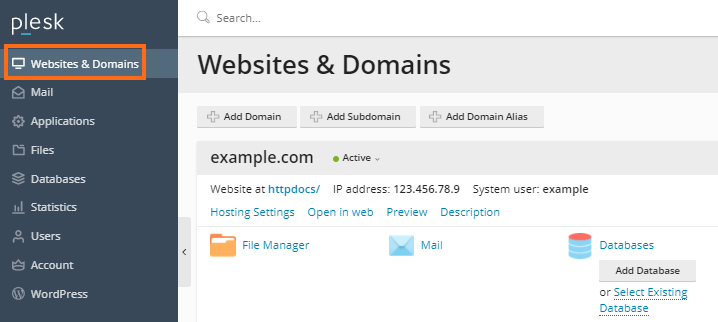
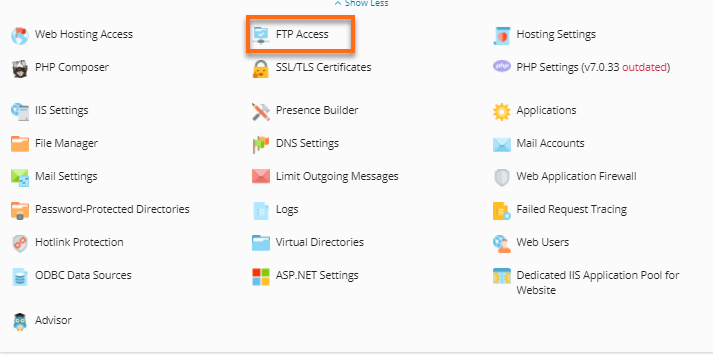
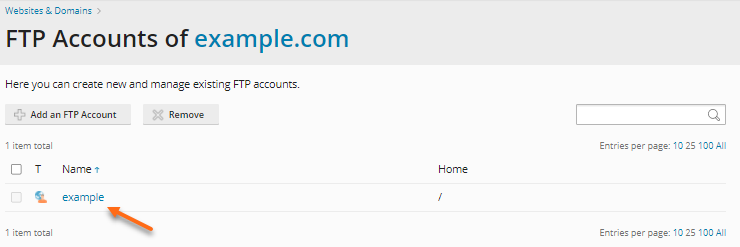
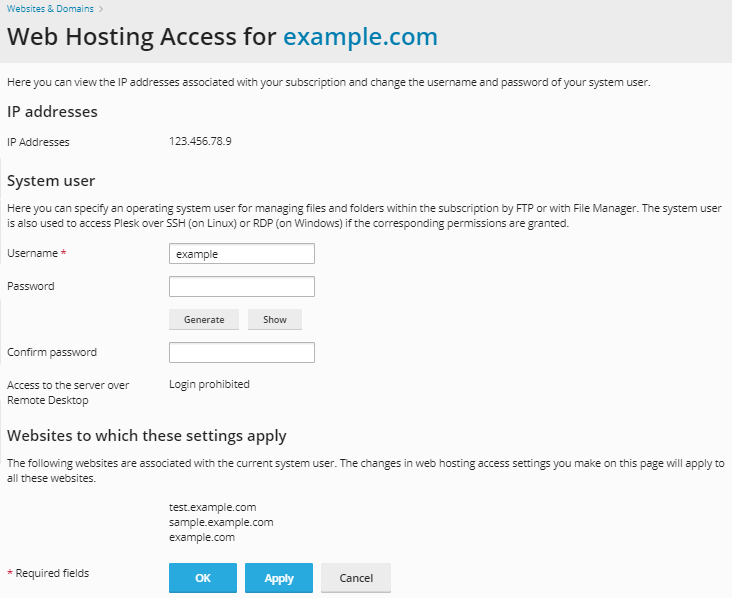
How To Change Your FTP Account Credentials – Plesk December 16, 2025 Hosting No Comments Log in to Plesk. Click on Websites & Domains. Click FTP Access from the list of options. Select the FTP account you want to update. Update the credentials such as the password or username. Click OK.